 Plans
Installation
Le Mag
Help
Resellers
Try 24 h
EN ·CHF
Language
FrançaisFR EnglishENCurrency
Euro€ US dollar$ Pound sterling£ Canadian dollarCA$ Swiss francCHF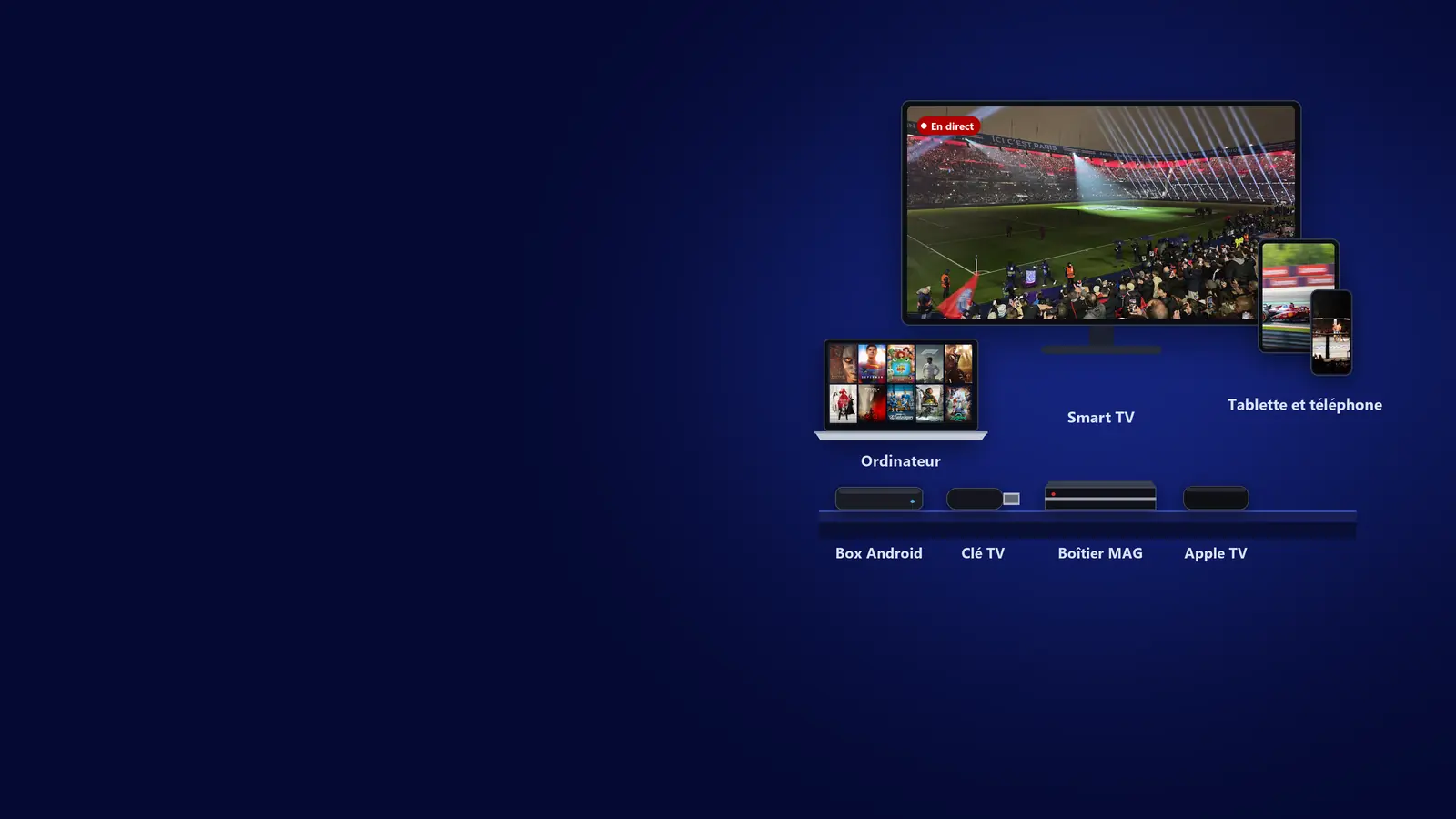
Installation
A step-by-step guide for every device
Our guides tell you which app to install and where to enter your login details. They are for our customers only: you receive them with your login details, and they stay in your account.
Compatible devices
A guide for each one, sent with your login details and available in My account.
-


Android
Phone, tablet, Android box, Android TV, Fire TV.
Guide for customers only -



Smart TV
Samsung (Tizen), LG (webOS), Hisense and other Vidaa TVs.
Guide for customers only -

Roku
Roku TVs and players.
Guide for customers only -



iPhone, iPad, Apple TV and Mac
iPhone, iPad, Apple TV and Mac. On Apple TV, the app can be activated for you as an option.
Guide for customers only -

Windows
Windows computers.
Guide for customers only -

Linux
Ubuntu, Linux Mint, Debian, Fedora and other Linux computers.
Guide for customers only -

MAG and Stalker
MAG and Stalker-compatible boxes, with your MAC address.
Guide for customers only -

Enigma2 receivers
Dreambox, Vu+, Zgemma, Gigablue, Octagon… One command to paste on the receiver. Standard and VIP ranges.
Guide for customers only
App license
We activate the app for you
On a Smart TV, Apple TV or Roku, choose your device when you order and add the app license: all you have to do is copy the MAC address and the key the app displays. We activate it and add your channels for you. Already a subscriber, or a new TV? The license can also be bought on its own.
- Lifetime licenseCHF 8per device
- 1-year licenseCHF 3.50per device
Switching from one device to another
With 1 screen, one device at a time. To switch devices safely:
1. Force-stop the appon the first device (in its settings: Apps, then “Force stop”). Putting it on standby is not enough.
2. Wait at least 5 minutesfor the first device's connection to close.
3. Launch the app on the secondand watch as usual.
Our rules of use
- One device per screen. A code used on more devices at the same time than screens purchased is permanently banned, with no refund.
- No restreaming, no sharing. Restreaming or sharing your subscription's stream gets all your codes permanently banned.
- No internet provider boxes. TV boxes supplied by internet providers (Freebox, Bbox, Orange or SFR decoders, Sky, Virgin Media or BT boxes…), even Android-based ones, are strictly prohibited. If you use one anyway, it is entirely at your own risk.
- Blocking by your internet provider. It is your responsibility: set AdGuard's free unfiltered DNS servers (94.140.14.140 and 94.140.14.141) on your router or your device, or use a reliable VPN.